
Cube Clicker
Touch controls, collectible cubes, and an economy that keeps progressing while you’re away.

Drag and release to spin. Twist with two fingers on touchscreens. When focused, arrow keys turn the cube and Space stops it.
Cube material: Uranium
Open to choose a material. Use arrow keys to move and Enter to select.Game systems
Save profiles with backup recovery
Keep separate runs in up to five Guest slots or five cloud slots per account. Each checkpoint is written to a temporary file and protected with encryption and an integrity check before it replaces the main save. On load, the game compares the valid main, staged, and backup copies and restores the newest compatible checkpoint.
Cloud sync starts after the local save succeeds, so a connection failure doesn’t interrupt local play. If another device changes the same slot, you can compare the two versions and choose which to keep. Older saves can keep progress for cubes or upgrades that aren’t present in the current build.
Daily and weekly missions that adapt to your run
The game builds a board with up to five daily and ten weekly missions. It checks what’s unlocked, your income and click rates, what you can afford, and how much time is left before the reset. A new run starts with introductory goals for tapping, upgrading, and gaining levels.
Later boards can ask for timed tapping bursts, different Lucky Click outcomes, falling pickups, new upgrades, combos, or consecutive logins. The generator avoids similar objectives competing for slots and can fall back to progressively tougher click goals on the weekly board. Completed rewards can still be recovered after a reset.
Offline income and Fragments Frenzy
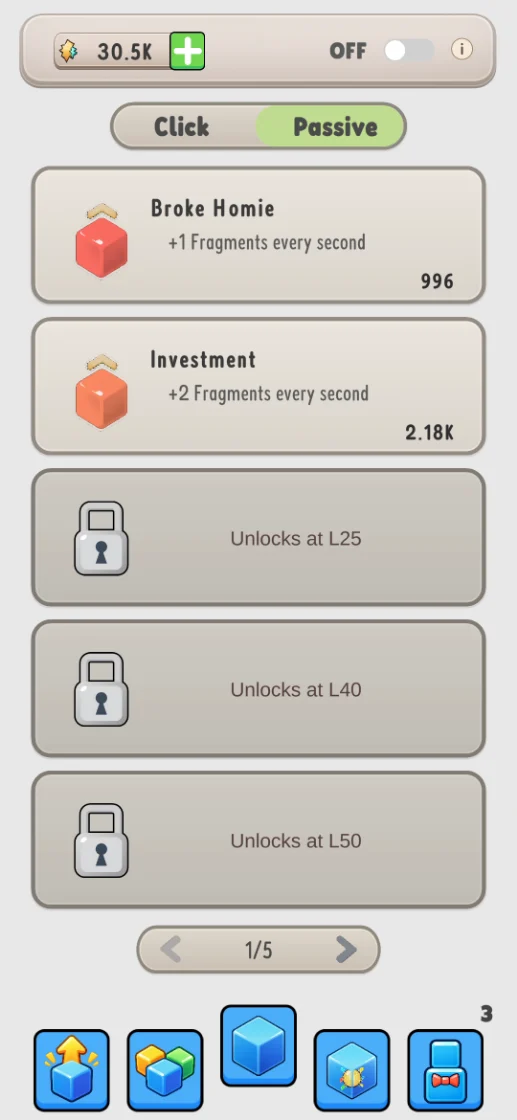
Passive upgrades produce Fragments while you’re away, up to 24 hours per absence. Spend Cores on Fragments Frenzy time to extend or multiply those earnings. The calculation separates ordinary time from Frenzy time and shows how much each contributed when you return.
A temporary boost counts only for the part of the absence during which it was active. The game restores those expiry times from the save, settles the income, and records the elapsed interval. Frenzy time is kept when there’s no passive income to multiply.
Active and passive upgrades across 1,000 levels
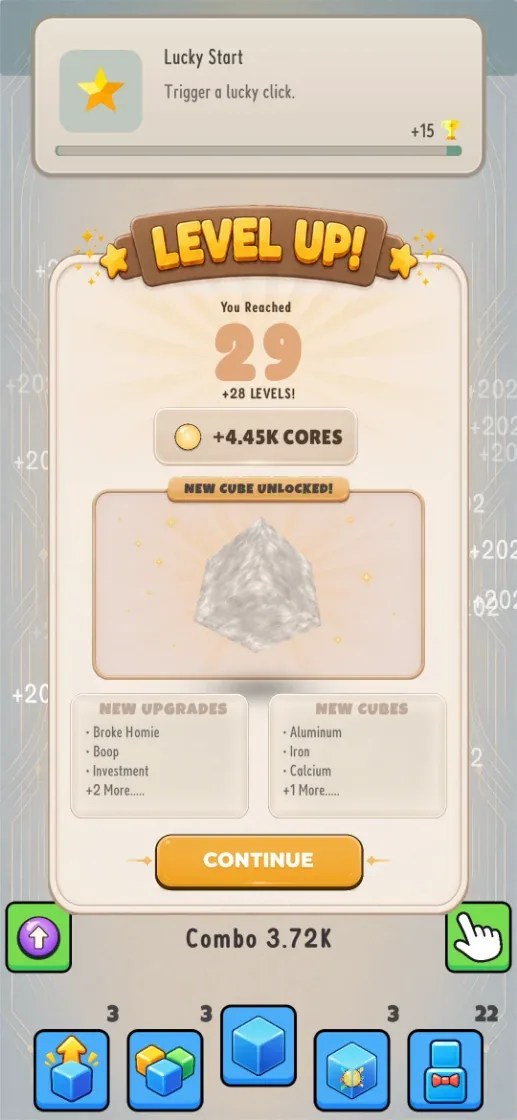
Taps and passive production both earn XP. Spend Fragments on stronger clicks or on production that runs in the background. As you level up, new upgrades and cubes become available, and Cores earned from level rewards can fund new cubes or Frenzy time.
When a burst of XP earns several levels at once, the game applies each level’s rewards and shows the combined payout and unlocks together. On returning from an absence, the same progression systems can turn offline income into new unlocks.
57 collectible cubes that change how you play
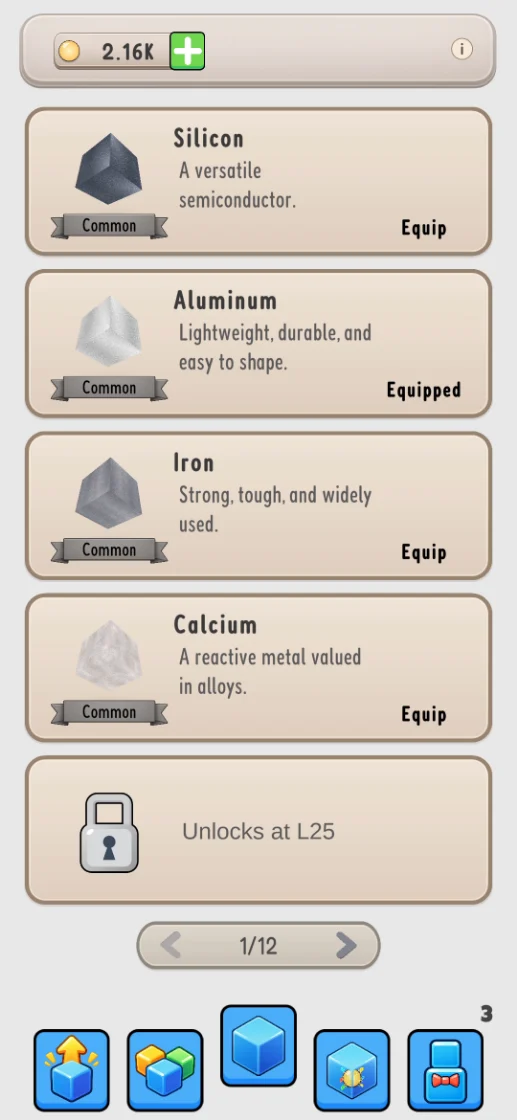
Each cube has its own material, unlock level, rarity, and stats. Some favor clicks or passive production. Others change XP, Core gains, or the outcomes available on a Lucky Click. Choose a cube for the way you want to earn and switch when you’re working toward a different goal.
The collection shows what you own and what opens next. The in-game Gallery also offers larger previews, bonus details, and material notes that are available offline.
Combos, Lucky Clicks, and falling pickups
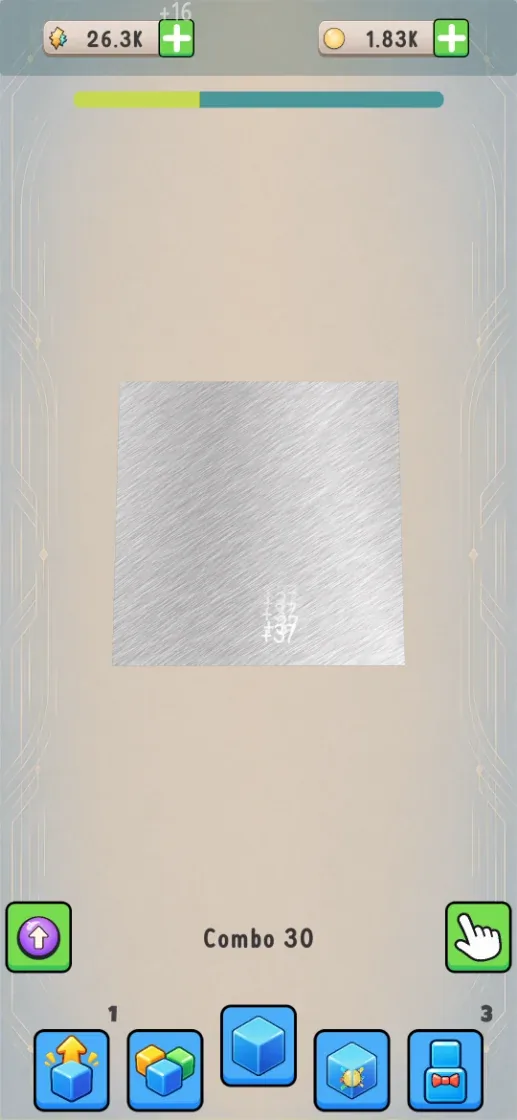
Keep a tapping streak alive to earn combo bonuses. The live streak resets, while your best combo stays with the profile. The equipped cube and temporary luck boosts affect the pool of Lucky Click outcomes. Falling Fragment and Core pickups give you something else to catch while you play.
The game records manual and automatic taps separately. Missions and achievements can ask for a particular type of action, so an automatic click, passive payout, and manual tap don’t have to advance the same goal.
Achievements, timed boosts, and player statistics
Achievements track long-term milestones, checklists, timed feats, and completion across seven categories. The statistics screen records how you earned and spent resources, how many missions you finished, and your best combos and catch streaks.
Mission rewards can grant Cores, extra Frenzy time, or timed boosts. The game keeps their remaining duration with the save. New content and earned rewards have their own notifications, so a panel badge can clear when you’ve seen the item.
Touch controls built around a 3D cube
Tap the cube to earn Fragments, drag to turn it, or twist it with two fingers. A quick release carries momentum. A tap and a drag are handled separately so rotating the cube doesn’t also count as tapping it.
The menus adjust their card layout to the available space. The loading screen gives the game time to restore the selected profile and prepare larger panels before play starts.
In-game news, support, and reward codes
Settings includes a news inbox, account and save controls, and Report a bug. You can choose whether to include diagnostics and which images to attach. Reports queued during a network interruption can retry, and private attachments stay tied to the account that created them.
Reward codes support resources, Frenzy time, and boosts. The claim is recorded with the intended save so the game can recover an interrupted redemption. Cloud services require an internet connection.
The Android build targets ARM64 devices with Android 7.0 or later. The Unity project targets iOS 15 or later.
Development progress
Settings, monetization, and final polish are still in progress.
- Cube collection and equipping (implemented)
- Touch controls (implemented)
- Levels and upgrades (implemented)
- Daily and weekly missions (implemented)
- Achievements (implemented)
- Offline rewards and Frenzy (implemented)
- Combos and lucky rewards (implemented)
- Local saves and backup recovery (implemented)
- Player statistics (implemented)
- Monetization (not implemented)
Customer first, money last.
Inside Cube Clicker
Gameplay video
See tapping and rotation, cube bonuses, offline rewards, achievements, and in-game reporting.
Report a bug
In Cube Clicker, open Settings → Report a bug. For support outside the game, email support@motrynstudios.com.